


Free, private image tools in your browser

Compress, resize and convert images—without uploading them

No account required

WebP · quality 80 · metadata removed · original dimensions

or drag, drop or paste JPEG, PNG, WebP, AVIF, HEIC or HEIF

  • JPG
  • PNG
  • WEBP
  • AVIF
  • HEIC
  • HEIF
Images stay on your device Free browser tools

or drag, drop or paste JPEG, PNG, WebP, AVIF, HEIC or HEIF

01

Choose your image tool

Use local AI to remove a background or build a text-behind-subject effect without creating an account.

02

Smaller files. Nearly identical pixels.

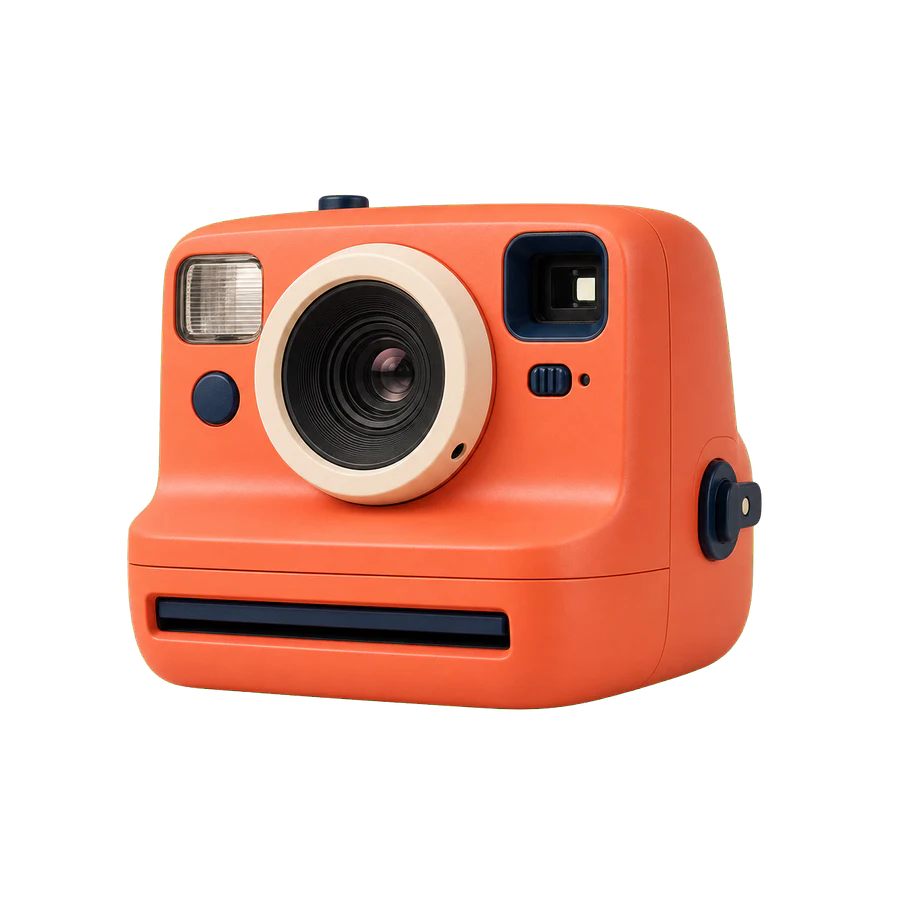
In this measured sample, 1.97 MB becomes 256 KB—an 87% smaller file with the scene’s visible detail intact.

Original
1.97 MB
Optimized
256 KB
Smaller file
87%

Trusted by teams building on the web

03

From image to download in three steps

  1. 1

    Choose images

    Select, drop or paste one or more supported files.

  2. 2

    Set the result

    Use quick WebP at quality 80, or adjust format, quality and dimensions.

  3. 3

    Download

    Save each result or download an optimized batch as a ZIP.

Formats and limits

Input
JPEG, PNG, WebP, AVIF, HEIC and HEIF
Output
JPEG, PNG, WebP and AVIF where browser encoding is supported

HEIC/HEIF: 20 MB and 25 MP maximum; primary still only; metadata is removed.

FOR DEVELOPERS

Need image optimization in code?

The paid synchronous API is separate from the free browser tools. One successful image uses one credit, and source and output files are not retained.

90.25% average size reduction in our 60-image API benchmark

04

Frequently asked questions

Are the browser tools free?+

Yes. The optimizer, background remover and text-behind-object tools are free to use without an account or an image-count limit.

Are my images uploaded?+

Not when you use the browser tools. Image bytes are processed on your device. The separate developer API only receives files you deliberately send to it.

Which formats can I use?+

You can open JPEG, PNG, WebP, AVIF, HEIC and HEIF files. You can export JPEG, PNG, WebP and AVIF when the browser supports AVIF encoding.

How are HEIC and HEIF photos handled?+

The browser processes the primary still image locally, with a 20 MB and 25 MP limit. It applies orientation, removes metadata and ignores Live Photo video and auxiliary images.

What if my browser cannot create AVIF?+

AVIF output is disabled with an explanation. The tool does not silently return a different format; choose WebP, JPEG or PNG instead.

Ready to make your images lighter?

Choose your files and get an optimized result without sending them away.

Choose images

Processing totals

Loading totals…

Reported browser activity

Reported by visitors who allow analytics. Your images stay on your device. Counts successful processing runs, including repeat runs. Space saved adds only reductions in file size; larger results do not add savings. Totals start when reporting is enabled and do not include earlier activity.