Private browser image optimizer

Optimize JPEG, PNG, WebP, AVIF, HEIC and HEIF files locally. Use quick WebP at quality 80 or choose your own format, quality and dimensions.

WebP · quality 80 · metadata removed · original dimensions

or drag, drop or paste JPEG, PNG, WebP, AVIF, HEIC or HEIF

  • JPG
  • PNG
  • WEBP
  • AVIF
  • HEIC
  • HEIF
Images stay on your device Free browser tools

or drag, drop or paste JPEG, PNG, WebP, AVIF, HEIC or HEIF

Free browser toolsNo account requiredImages stay on your device

Your images stay on your device

The free browser tools process image bytes locally. They do not send your selected files to the image optimization API.

AI tools and the HEIC fallback may download model or decoder files, but your selected image remains local.

Privacy Policy
Formats and limits

Input
JPEG, PNG, WebP, AVIF, HEIC and HEIF
Output
JPEG, PNG, WebP and AVIF where browser encoding is supported

HEIC/HEIF: 20 MB and 25 MP maximum; primary still only; metadata is removed.

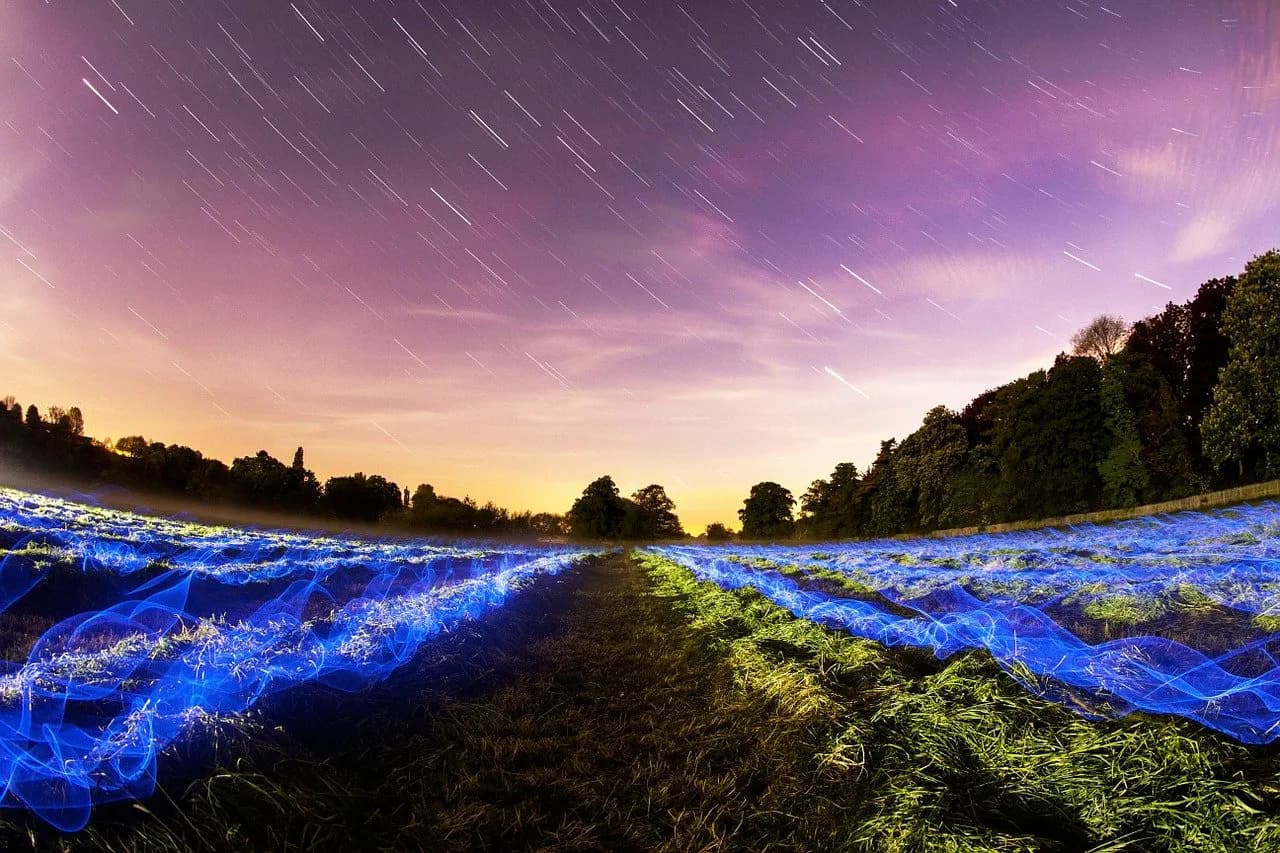
Smaller files. Nearly identical pixels.
In this measured sample, 1.97 MB becomes 256 KB—an 87% smaller file with the scene’s visible detail intact.

FREE · PRIVATE · IN YOUR BROWSER

From image to download in three steps

  1. 1

    Choose images

    Select, drop or paste one or more supported files.

  2. 2

    Set the result

    Use quick WebP at quality 80, or adjust format, quality and dimensions.

  3. 3

    Download

    Save each result or download an optimized batch as a ZIP.

What do you want to do?

Choose a focused tool or use the private optimizer above for a custom result.